The DNA of a Domain: A Developer’s Guide to DNS Record Types
Understanding how A, CNAME, MX, and TXT records shape domain behavior

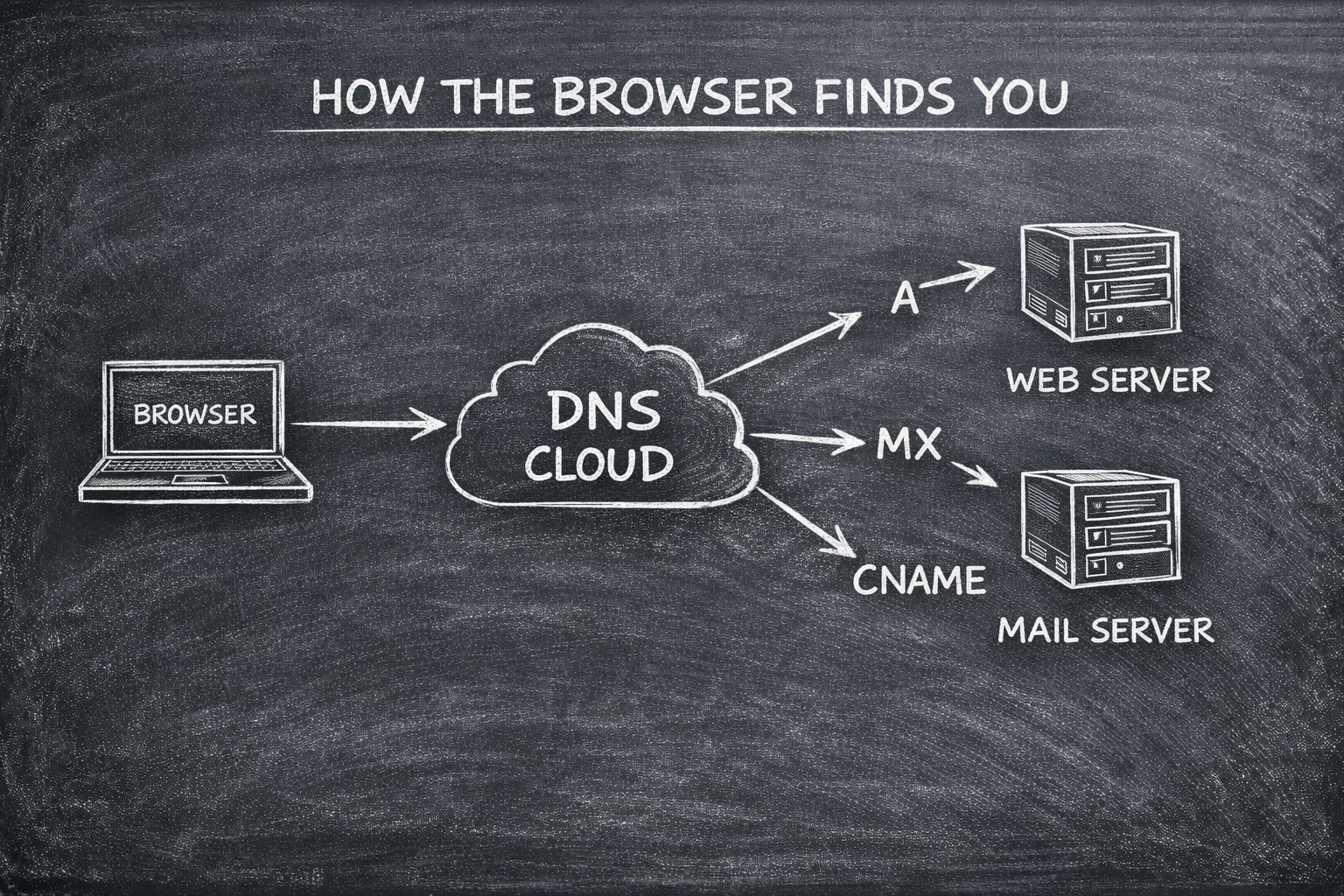
How does a browser know where a website lives? It isn't magic; it’s a coordinated effort of several specialized records working together. Without these records, the internet would just be a sea of disconnected IP addresses.
1. The NS Record: The Manager
The NS (Name Server) Record is the "Manager" of your domain. It specifies which servers are authoritative for your DNS information.
The Job: It tells the internet, "If you want to know about this domain, ask these specific servers".
Example: If you use Google DNS, your NS records will point to
ns1.google.com. You usually set these at your domain registrar (like GoDaddy or Namecheap) to point toward your DNS host.
2. The A & AAAA Records: The Physical Addresses
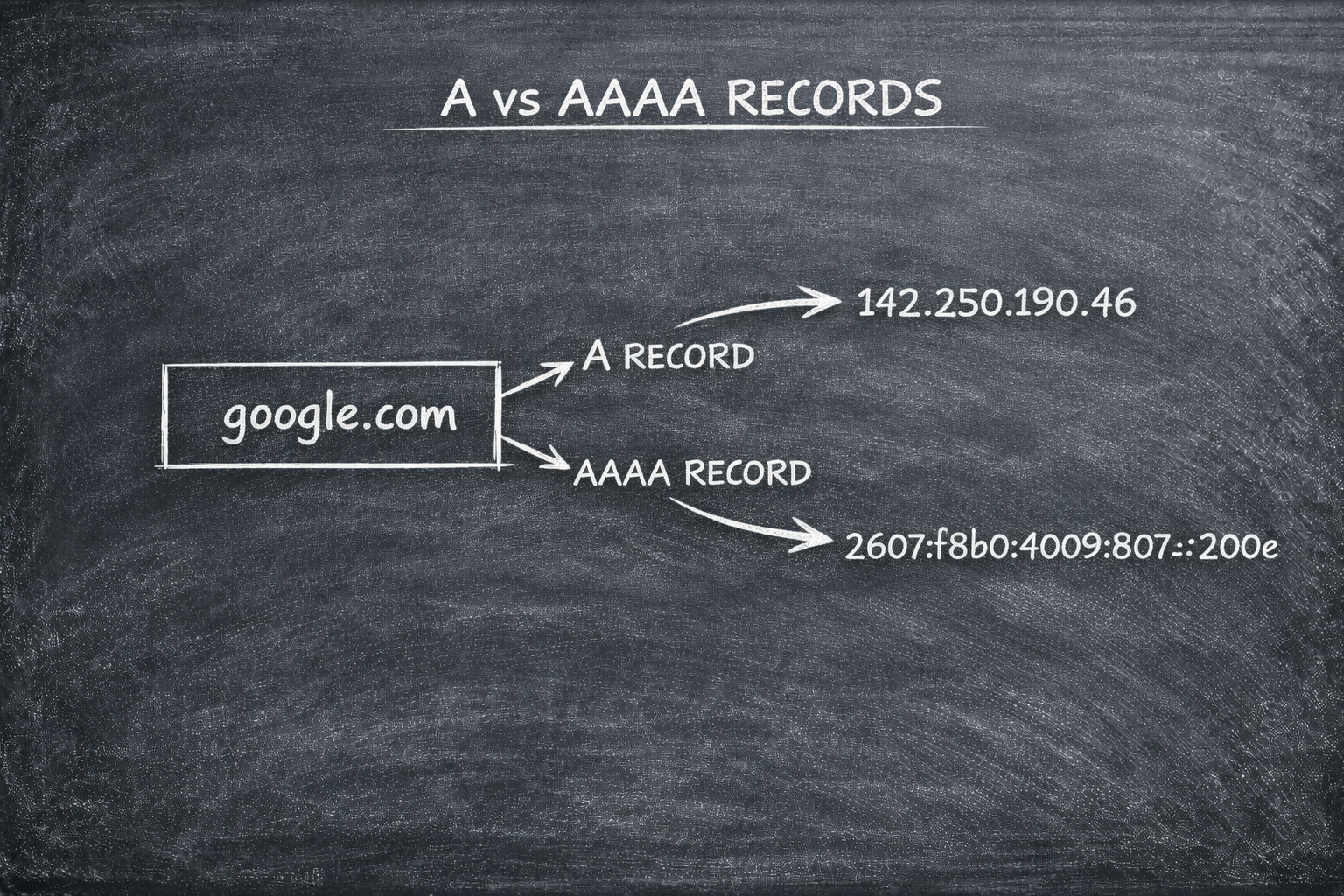
These are the most fundamental records in the system. They map a domain name directly to a machine's IP address.
A Record (IPv4): Maps a domain (example.com) to a 32-bit IPv4 address (e.g.,
192.0.2.1).AAAA Record (IPv6): Does the exact same thing but for 128-bit IPv6 addresses (e.g.,
2001:0db8...).
3. The CNAME Record: The Alias
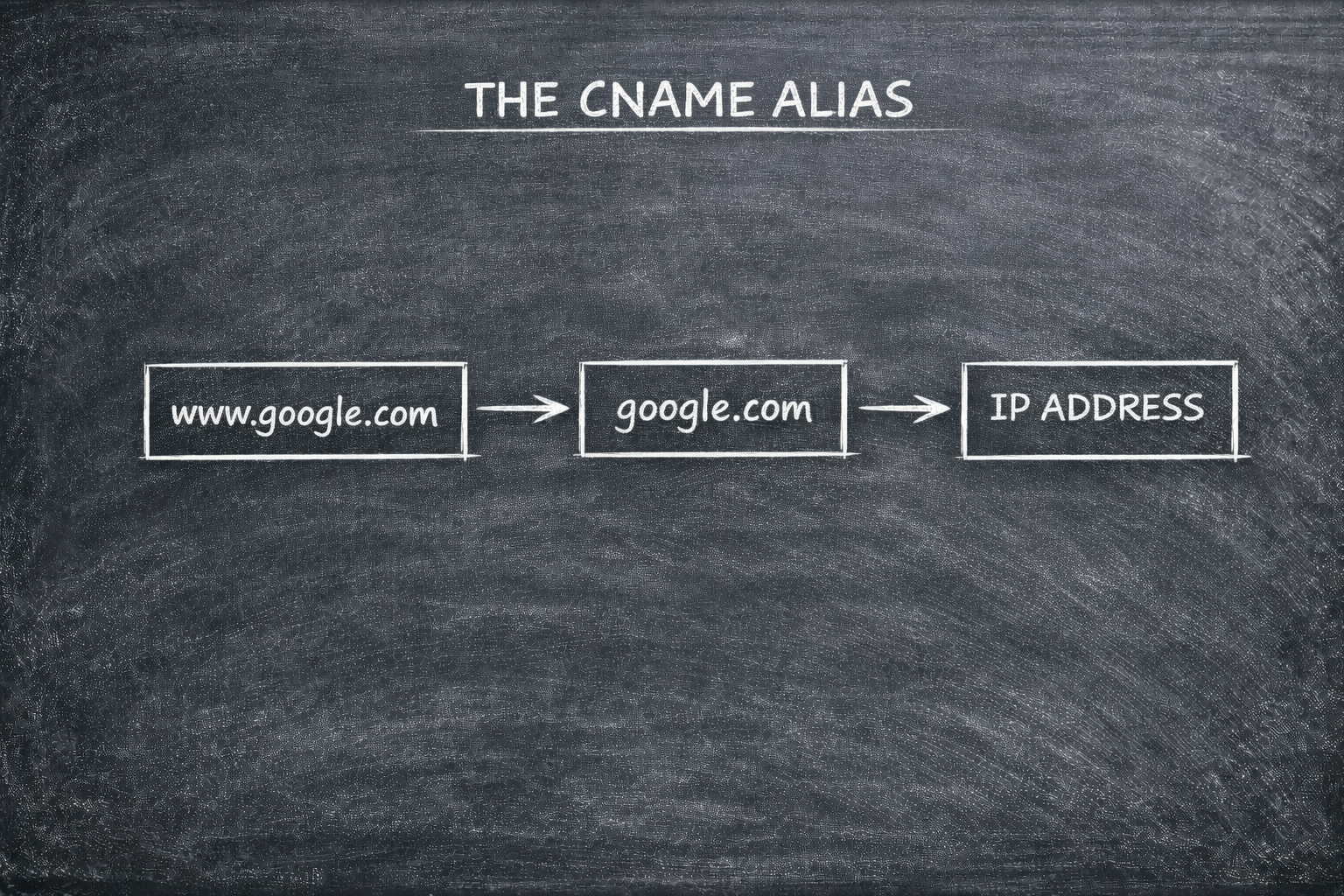
A CNAME (Canonical Name) Record is like a nickname. It points one domain name to another domain name instead of an IP address.
The Problem It Solves: If you have multiple subdomains (like
www.example.comandblog.example.com), you can point them all toexample.com.The Benefit: If your server’s IP changes, you only have to update the A record for the main domain, and all your CNAME nicknames will follow automatically.
The Rule: You cannot use a CNAME for your root domain (e.g., you can't use it for
example.com, onlywww.example.com).
4. The MX Record: The Post Office
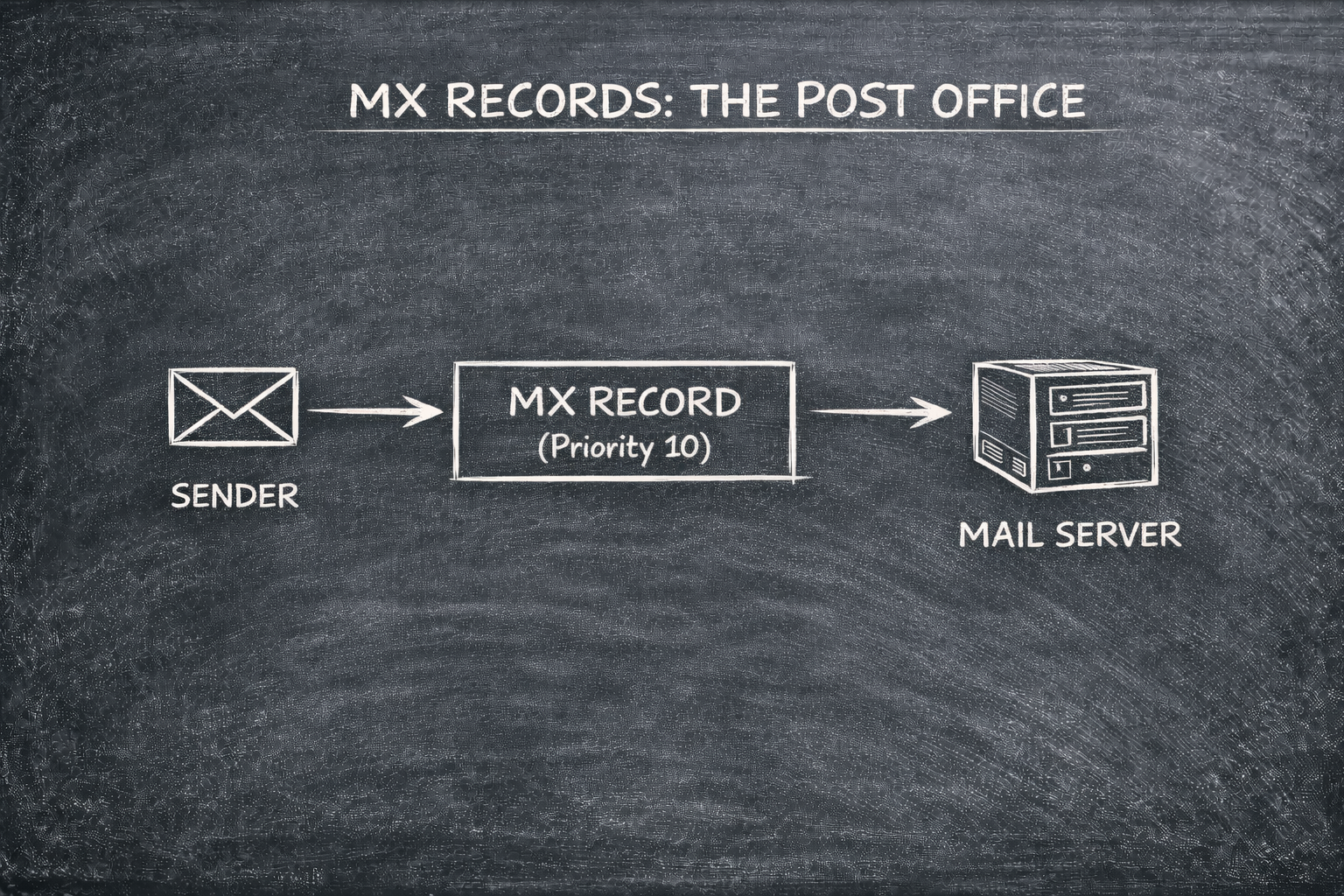
The MX (Mail Exchange) Record tells the internet where to send your emails.
How it Works: When someone emails
you@example.com, the sender’s mail server looks up the MX record to find the designated mail server for that domain.Priority: MX records use a "Priority" number (e.g., 10, 20). Lower numbers get the mail first; if the first server is down, it tries the next one.
5. The TXT Record: The Proof of Identity
A TXT (Text) Record is a catch all for text-based information. It is primarily used for security and verification.
Verification: Services like Google Search Console or SSL providers ask you to add a specific TXT record to prove you actually own the domain.
Email Security: Records like SPF, DKIM, and DMARC are stored in TXT records to prevent hackers from spoofing your email address and sending spam in your name.
SPF (Sender Policy Framework): A "Guest List" that tells the world exactly which IP addresses and services are allowed to send email on behalf of your domain.
DKIM (DomainKeys Identified Mail): A "Digital Seal" that adds a hidden cryptographic signature to your emails, proving they weren't tampered with during transit.
DMARC (Domain-based Message Authentication, Reporting, and Conformance): The "Instruction Manual" that tells receiving servers what to do (e.g., do nothing, quarantine, or reject) if an email fails the SPF or DKIM checks.
Conclusion: How It All Fits Together
In a production setup, these records function as a cohesive ecosystem. When a user visits your site:
The NS Records find the right server cluster.
The A/AAAA Records find the physical hardware.
The MX Records ensure their "Contact Us" emails arrive safely.
The TXT Records ensure your emails don't end up in their spam folder.
Understanding DNS records isn't just about "getting a site online" , it’s about architecting a reliable, secure, and professional digital identity. Once you master these entries, you aren't just managing a website; you are directing the traffic of the global internet.


