Arrow Functions in JavaScript: A Simpler Way to Write Functions
Ditch the Boilerplate and Embrace the Modern "Fat Arrow" Syntax.
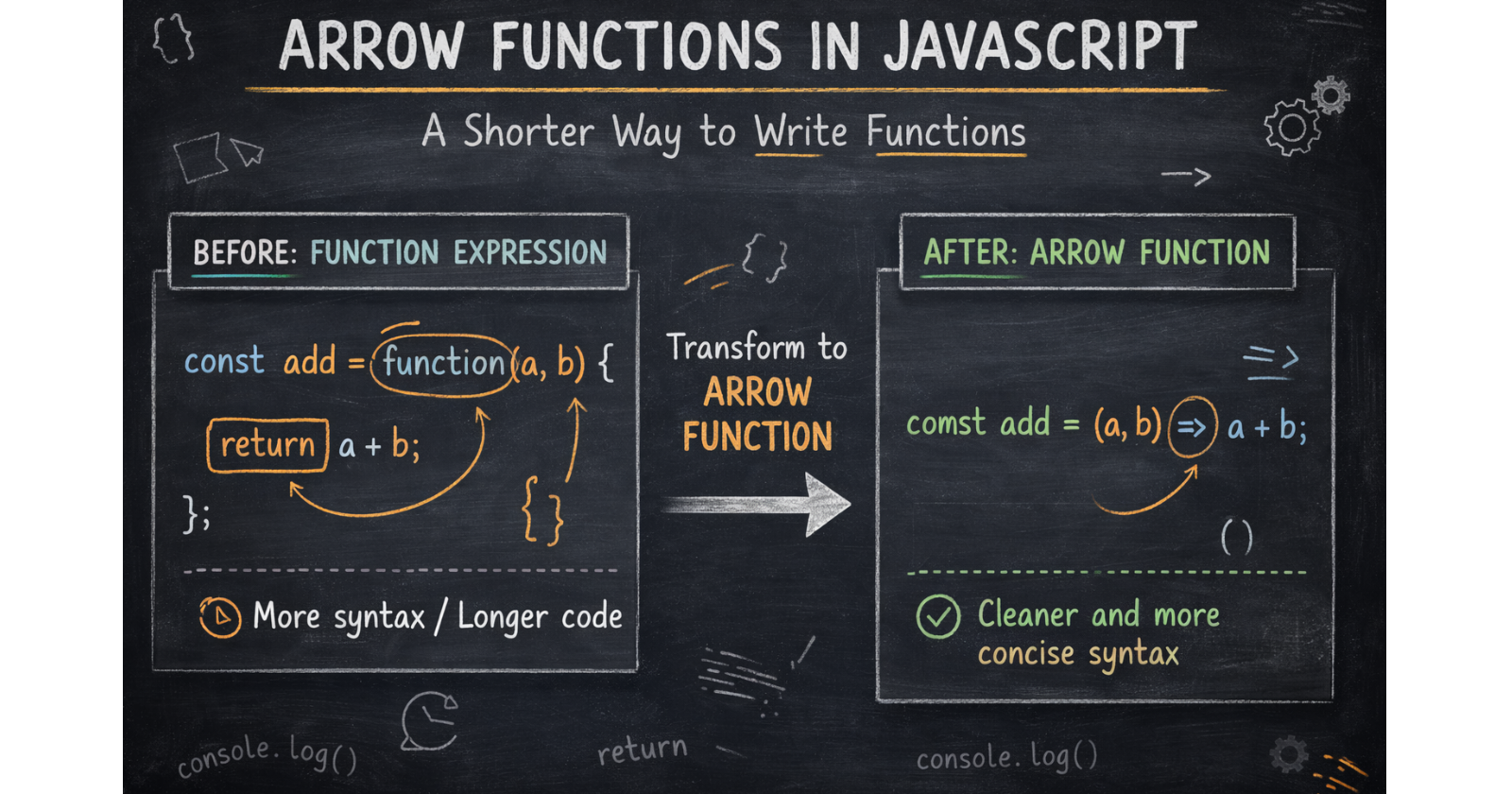
If you have been writing JavaScript for a while, you’ve likely seen the => symbol popping up everywhere. Introduced in ES6, Arrow Functions changed the game by offering a cleaner, more concise way to write function expressions. They are the "speed-dial" of the coding world - faster to write, easier to read, and essential for modern development.
1. What are Arrow Functions?
Arrow functions are a compact alternative to traditional function expressions. They allow you to strip away the "noise" (like the function keyword) so you can focus on what the code actually does.
2. Basic Syntax Breakdown
The most recognizable part of an arrow function is the "fat arrow" (=>). Here is how the structure changes based on what you need to do:
Zero Parameters
If your function doesn't take any inputs, you must use empty parentheses.
const greet = () => "Hello, World!";
One Parameter (The "No-Parentheses" Perk)
When you have exactly one parameter, the parentheses are optional. This is great for quick math or data processing.
const square = n => n * n;
Multiple Parameters
For two or more parameters, parentheses are mandatory.
const add = (a, b) => a + b;
3. Implicit vs Explicit Return: The Power of One Line
One of the best features of arrow functions is the Implicit Return.
Implicit Return: If your function is just a single expression, you can remove the curly braces
{}and thereturnkeyword. JavaScript automatically "implies" that you want to return that value.Explicit Return: If your function needs multiple lines of logic (like a loop or a
console.log), you must use curly braces and thereturnkeyword.
// Implicit: Short and sweet
const double = x => x * 2;

// Explicit: For complex logic
const addAndLog = (a, b) => {
  console.log("Adding numbers...");
  return a + b;
};
4. Arrow vs Normal Functions: Key Differences
While arrow functions look cool, they aren't just a "shorter version" of normal functions. They behave differently under the hood:
Feature | Normal Function | Arrow Function |
Syntax | Uses | Uses |
| Has its own | Inherits |
Hoisting | Can be called before declaration | Must be defined before use |
Constructor | Can be used with | Cannot be used as a constructor |
Arguments | Has an | No |
The Arrow Lab: Modernizing Your Code
Ready to upgrade your syntax?
Try these challenges in your console.
Challenge 1: The Transformation
Write a normal function to calculate the square of a number. Then, rewrite it as an arrow function using implicit return.
// Normal
function oldSquare(n) { return n * n; }

// Arrow version
const arrowSquare = n => n * n;
Challenge 2: Logic in an Arrow
Create an arrow function called checkOddEven that returns the string "Even" if a number is even, and "Odd" if it is not.
const checkOddEven = n => n % 2 === 0 ? "Even" : "Odd";
Challenge 3: The Array Power-Up
Use an arrow function inside the .map() method to take an array of numbers and return a new array where every number is doubled.
const nums = [1, 2, 3];
const doubled = nums.map(n => n * 2);
console.log(doubled); // [2, 4, 6]
Conclusion: Writing for the Future
Arrow functions are about more than just typing fewer characters; they are about writing cleaner, more readable code that fits the functional style of modern JavaScript. Use them for callbacks, array methods, and short utilities to make your "Playbook" truly modern.


