JavaScript Destructuring: Unpacking the Power of ES6
Clean Up Your Code and Stop the Manual Assignment Madness
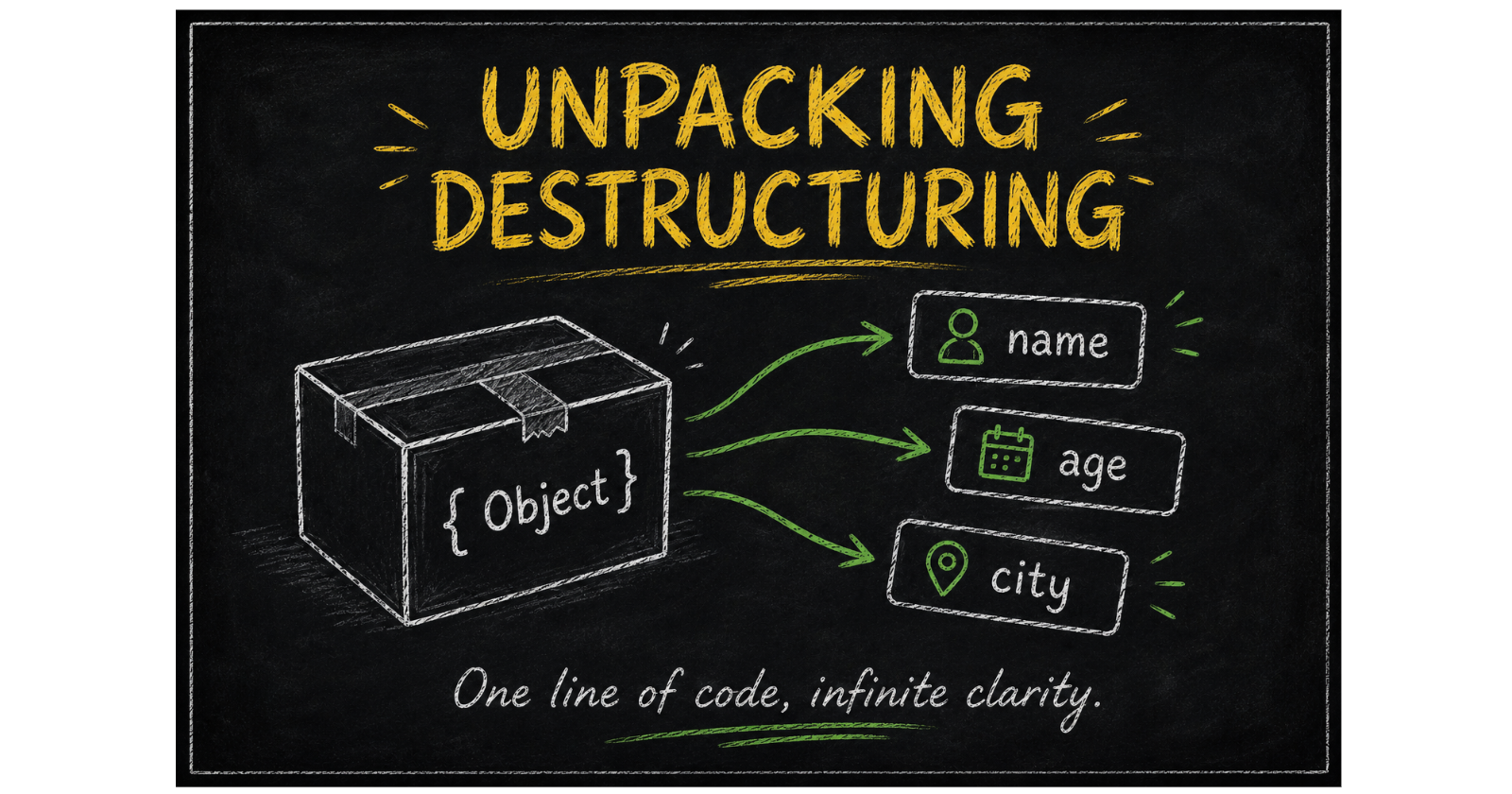
If you’ve been writing JavaScript for a while, you’ve likely spent countless hours writing code like const name = user.name; over and over again. It’s repetitive, it clutters your script, and frankly, it's a bit boring.
Introduced in ES6, Destructuring changed the game. It is a special syntax that allows you to "unpack" values from arrays or properties from objects into distinct, manageable variables in a single line of code. It doesn’t modify the original data - it just gives you a cleaner way to extract what you need.
1. The "Before vs After" Moment
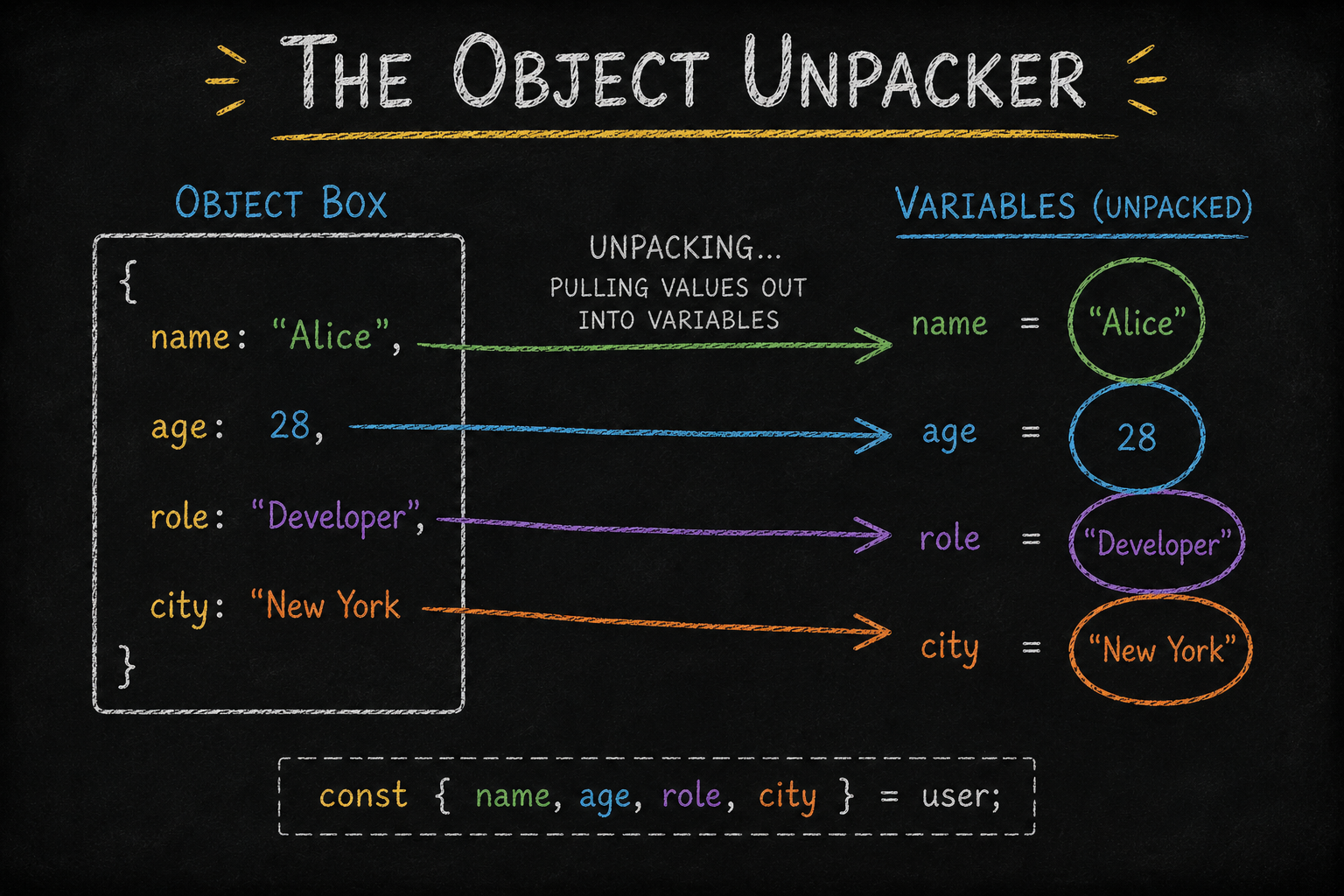
To truly appreciate destructuring, we have to look at the "Old Way" of doing things.
The Old Way (Manual Extraction):
const user = { name: "Ashaaf", role: "Developer" };

const name = user.name;
const role = user.role;
The Destructuring Way (Modern & Concise):
const { name, role } = { name: "Ashaaf", role: "Developer" };
This reduces repetitive code and makes it immediately clear which variables are being pulled out of the object.
2. Array Destructuring: Order Matters
Array destructuring allows you to extract elements based on their position (index).
The Basics
const skills = ['JavaScript', 'React', 'Node.js'];
const [primary, secondary] = skills;

console.log(primary);   // "JavaScript"
console.log(secondary); // "React"
The Cool Tricks :
Skipping Elements: Use commas to jump over values you don’t need.
const [,, third] = ['A', 'B', 'C']; // third is "C"The Rest Operator: Use
...to capture the "rest" of the elements into a new array.const [first, ...others] = [1, 2, 3, 4]; // others is [2, 3, 4]Variable Swapping: Swap two values without needing a "temp" variable.
[x, y] = [y, x];
3. Object Destructuring: Keys are King
Unlike arrays, objects don't care about order. They look for matching property names.
Renaming Variables
Sometimes you want to pull a property out but call it something else. You can do this using the colon (:) syntax.
const person = { name: "Ashaaf", age: 25 };
const { name: fullName, age: yearsOld } = person;

console.log(fullName); // "Ashaaf"
Deep Extraction (Nested Objects)
You can even reach deep into objects to grab specific data.
const devProfile = {
  info: { name: 'Ashaaf', location: { city: 'Mumbai' } }
};

const { info: { location: { city } } } = devProfile;
console.log(city); // "Mumbai"
4. The Safety Net: Default Values
What happens if you try to destructure a property that doesn’t exist? Usually, you'd get undefined. Default values allow you to set a "fallback".
const user = { name: "Ashaaf" };

// Providing a default for a missing property
const { name, country = "India" } = user;

console.log(country); // "India" (Default used)
Important Nuance: Default values are only applied if the value is undefined. If the value is null, false, or 0, the default will not trigger.
5. Real-World Power: Function Parameters
In modern development (especially in React), we often destructure objects directly in the function's parameter list. This ensures your functions handle partial or optional input safely.
function welcomeUser({ name, role = "Guest" }) {
  console.log(`Welcome, \({name}! You are logged in as: \){role}`);
}

welcomeUser({ name: "Ashaaf" });
// Output: Welcome, Ashaaf! You are logged in as: Guest
Conclusion: The Destructuring Revolution
Destructuring isn't just a fancy ES6 "shorthand" - it’s a fundamental shift in how we handle data flow in modern JavaScript. By adopting this syntax, you move away from tedious manual assignments and toward a more declarative style of programming, where the intent of your code is immediately visible the moment you look at the variable declarations.


