Spread vs Rest: Mastering the Triple -Dot Power in JavaScript
One Syntax, Two Identities: Unpacking the ... Operator
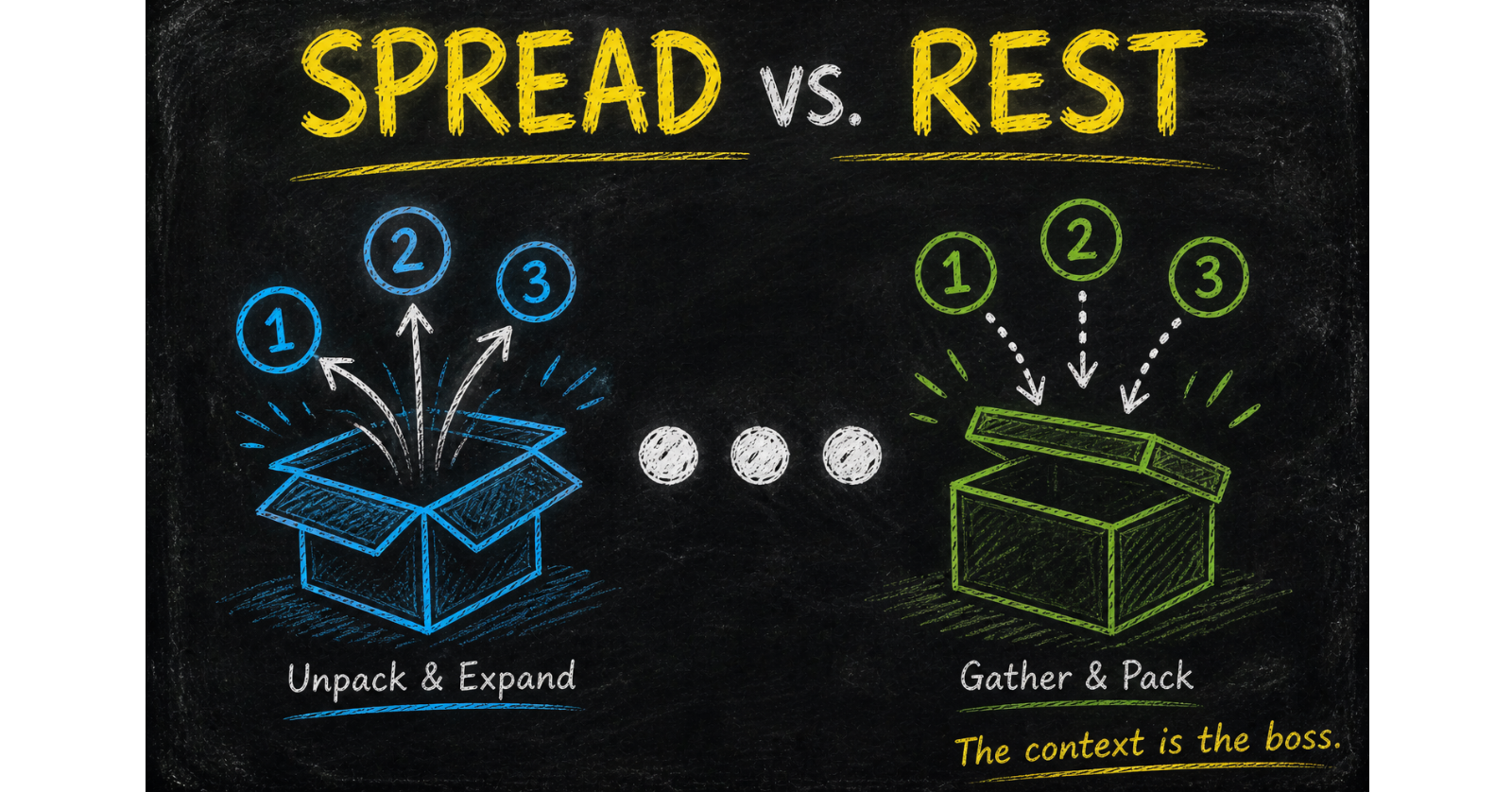
In JavaScript, the three dots (...) are like a multi-tool. Depending on where you put them, they either act as a Spiller or a Gatherer. This often confuses developers because the syntax is identical, but the logic is completely opposite.
To master these, you only need to remember one simple mnemonic:
Spread is taking things out of a box.
Rest is putting things into a box.
1. The Spread Operator: "The Spiller"
The Spread operator expands an iterable (like an array or object) into individual elements. Think of it as opening a bag of marbles and spilling them across the floor.
A. Cloning and Merging Arrays
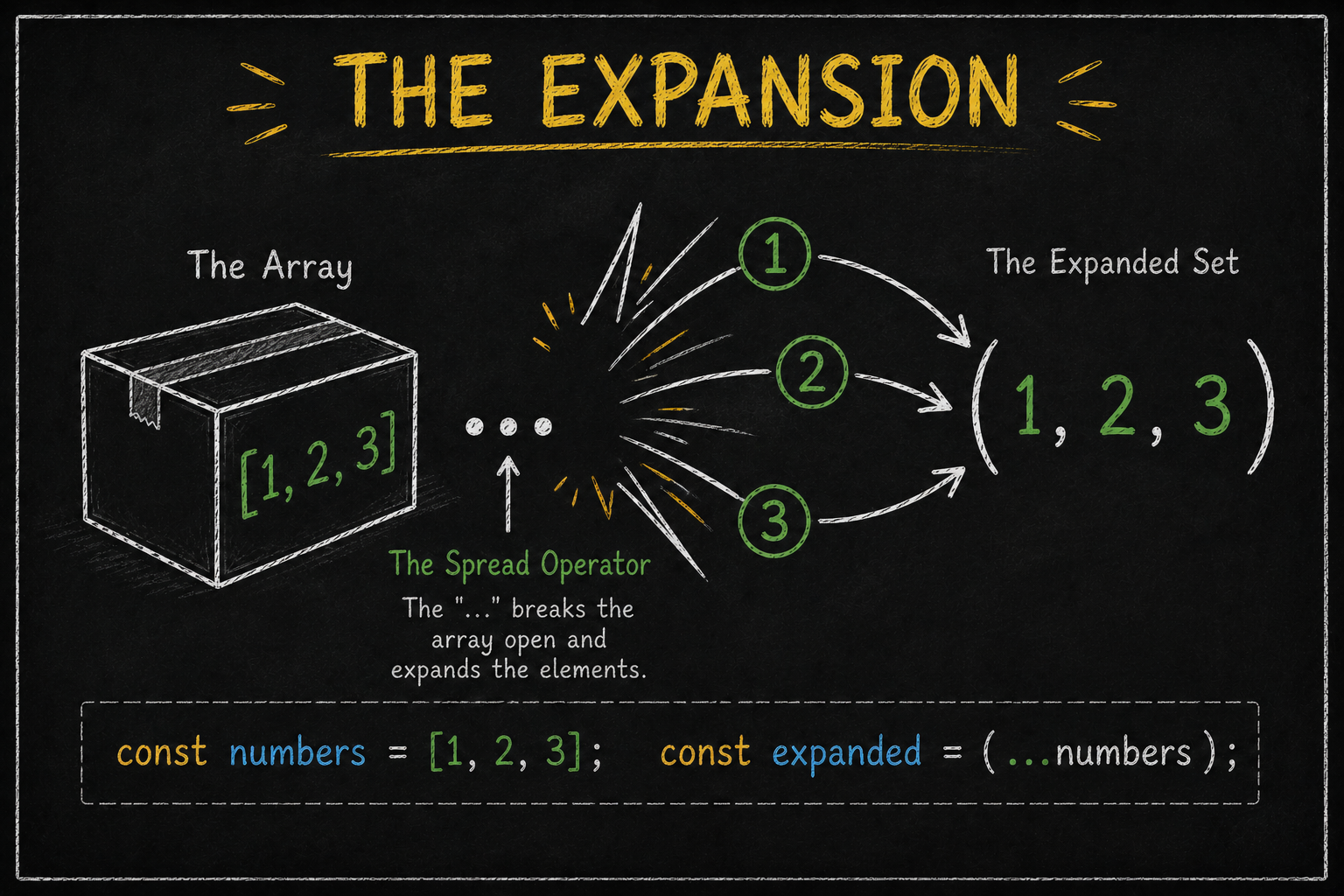
Before Spread, we used concat(). Now, we just spill the arrays into a new one.
const frontend = ['React', 'Vue'];
const backend = ['Node.js', 'Express'];

// Merging: Spilling both bags into a new 'techStack' bag
const techStack = [...frontend, ...backend, 'Python'];
// Result: ['React', 'Vue', 'Node.js', 'Express', 'Python']

// Cloning: Creating a shallow copy so the original isn't mutated
const copyOfStack = [...techStack];
B. Spilling Objects
Spread is a lifesaver for updating state without mutating the original object.
const user = { name: "Mohammed Ashaaf", role: "Developer" };

// Create a new object, spill 'user' inside, and override 'role'
const updatedUser = { ...user, role: "Senior Engineer", location: "Mumbai" };

console.log(updatedUser);
// Output: { name: "Mohammed Ashaaf", role: "Senior Engineer", location: "Mumbai" }
2. The Rest Operator: "The Gatherer"
The Rest operator does the exact opposite. It collects multiple individual elements and bundles them into a single array. It "gathers the leftovers".
A. Rest in Function Parameters
Use this when you don't know how many arguments a user will pass. It gathers all of them into a neat array.
function calculateSum(...numbers) {
  // 'numbers' is now a real array we can use reduce() on
  return numbers.reduce((acc, val) => acc + val, 0);
}

console.log(calculateSum(10, 20, 30, 40)); // 100
B. Rest in Destructuring
When you want to extract a few properties but keep the "rest" of them together.
const scores = [95, 88, 76, 64, 50];

// Extract the top two, gather the 'rest' into a 'bench' array
const [gold, silver, ...bench] = scores;

console.log(gold);   // 95
console.log(bench);  // [76, 64, 50]
3. The Showdown: Spread vs Rest
How do you tell them apart at a glance? Look at the side of the assignment.
Feature | Spread (...) | Rest (...) |
Action | Expands (Unpacks) | Collects (Packs) |
Placement | Right side of | Left side of |
Analogy | Taking marbles out of a bag | Putting marbles into a bag |
Example |
|
|
4. Practical Real-World Use Cases
A. Finding the Maximum in an Array
Math.max doesn't accept arrays. It accepts individual numbers. Spread fixes this instantly.
const prices = [199, 450, 32, 999];
const maxPrice = Math.max(...prices); // 999
B. Converting NodeLists to Arrays
When you grab elements from the DOM, they are a NodeList, not an array. Spread them into an array to use map() or filter().
const boxes = document.querySelectorAll('.box');
const boxArray = [...boxes]; // Now you can use array methods!
C. Getting Unique Values
Combine Spread with a Set to remove duplicates from an array in one line.
const duplicated = [1, 2, 2, 3, 4, 4, 4];
const unique = [...new Set(duplicated)]; // [1, 2, 3, 4]
The Triple-Dot Lab: Practice
Open your console and try to solve this challenge.
The Challenge:
Create an object
profilewithname: "Ashaaf"andage: 21.Merge it into a new object
extendedProfileadding astatus: "Active"property using Spread.Write a function
logDetailsthat takesnameas the first argument and uses Rest to gather all other info into an array calledotherInfo.
The Solution:
const profile = { name: "Ashaaf", age: 21 };

// 2. Spread
const extendedProfile = { ...profile, status: "Active" };

// 3. Rest
function logDetails(name, ...otherInfo) {
  console.log(`User: ${name}`);
  console.log(`Meta:`, otherInfo);
}

logDetails("Ashaaf", 21, "Mumbai", "Developer");
Conclusion: Use the Dots Wisely
The ... syntax is one of the most powerful additions to JavaScript. Whether you are creating clean copies of data with Spread or handling indefinite inputs with Rest, mastering these operators is the key to writing modern, professional-grade code.


