Template Literals in JavaScript: Beyond the Quote Marks
Clean Up Your Code and Say Goodbye to Concatenation Nightmares
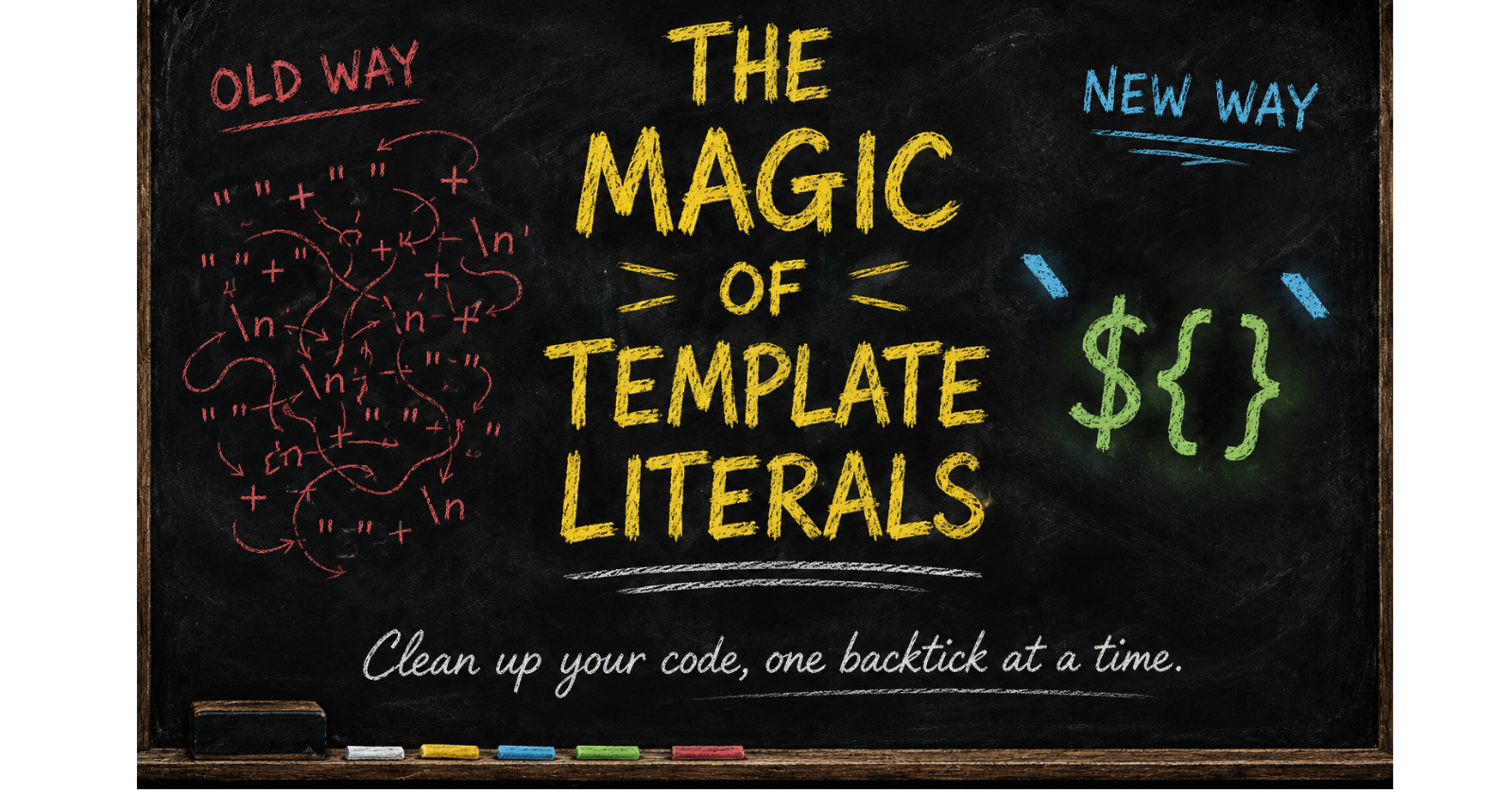
In the early days of JavaScript, working with strings was like trying to assemble a Lego set with your hands tied behind your back. If you wanted to combine a few variables with a bit of text, you were forced into a world of messy plus signs and quotation marks.
But with the introduction of Template Literals, JavaScript gave us a "Swiss Army knife" for strings. It’s not just about styling; it’s about writing code that is more readable, performant, and maintainable.
1. The Dark Ages: Problems with Traditional Concatenation
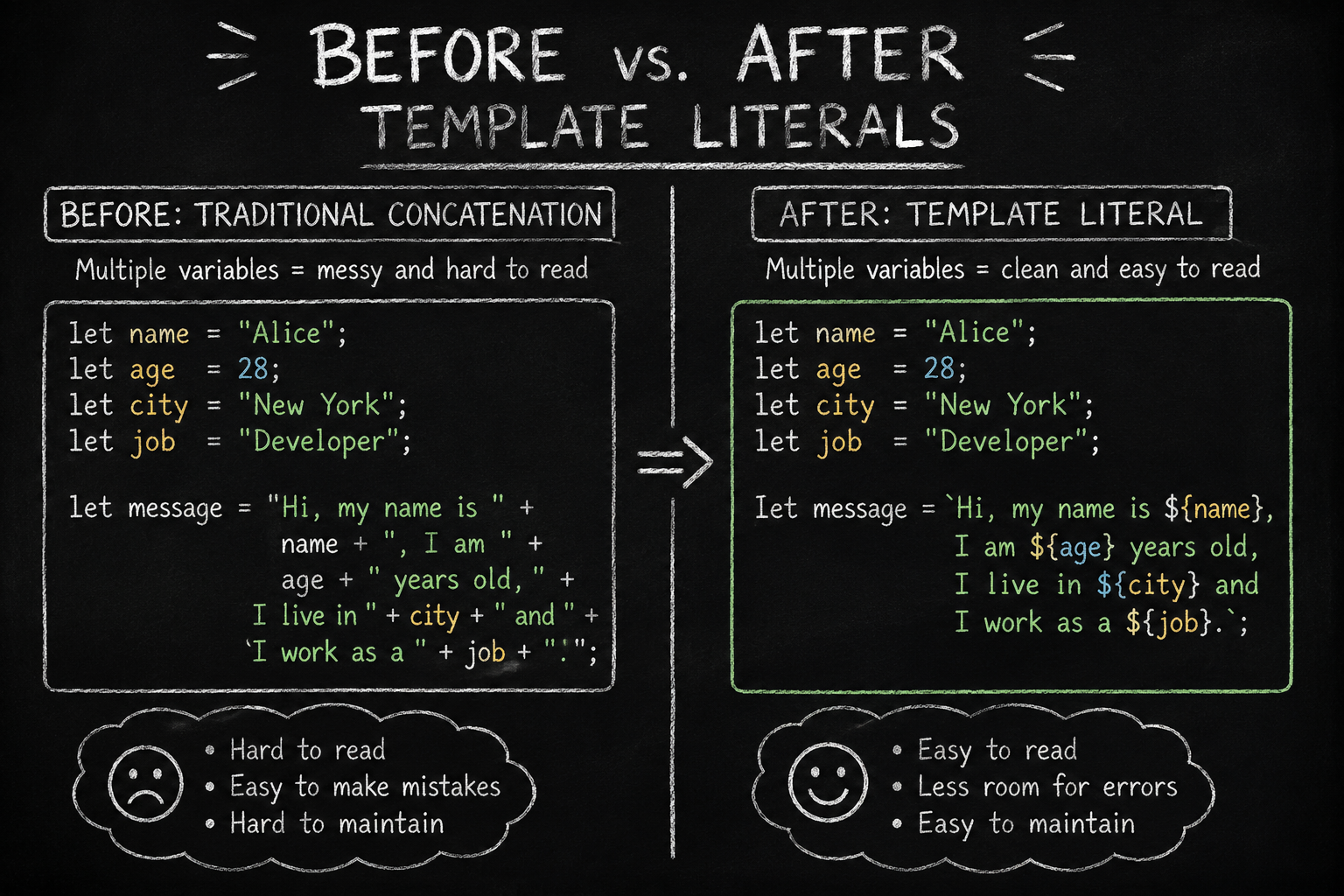
Before we look at the solution, we have to understand why the old way - using the + operator was so frustrating.
The Syntax Headache
Traditional concatenation is notoriously error-prone. One missing space or a misplaced quote, and your output looks like a jumbled mess.
// Old Way: Missing spaces easily ruin the output
console.log("Hello" + name + "you are" + age + "years old");
// Result: "Hellonameyou areageyears old"
The Performance Trap
JavaScript strings are immutable. This means every time you use + to add more text, JavaScript isn't just "adding" to the end; it’s creating an entirely new string object in memory. In a large loop, this can lead to excessive memory usage and force the garbage collector to work overtime, slowing down your app.
The Type Coercion Bug
The + operator is a double-edged sword. It handles both addition and concatenation, which leads to unpredictable behavior if you aren't careful with your data types.
"3" + 5results in"35"(Concatenation).3 + 5results in8(Addition).
2. The Modern Solution: Template Literal Syntax
Template literals are defined by wrapping your text in backticks (`) instead of standard single or double quotes.
The Core Features:
String Interpolation: Use
${expression}to inject variables or logic directly into the string.Expression Evaluation: You aren't limited to variables; you can run math, call functions, or use ternary operators inside the braces.
Escaping: To include a backtick or a literal
${in your string, simply use a backslash (\).
const user = "Ashaaf";
const price = 10;

// Escaping a dollar sign and a backtick
console.log(`The user \`${user}\` spent \$${price}.`);
// Output: The user `Ashaaf` spent $10.
3. Mastering String Interpolation
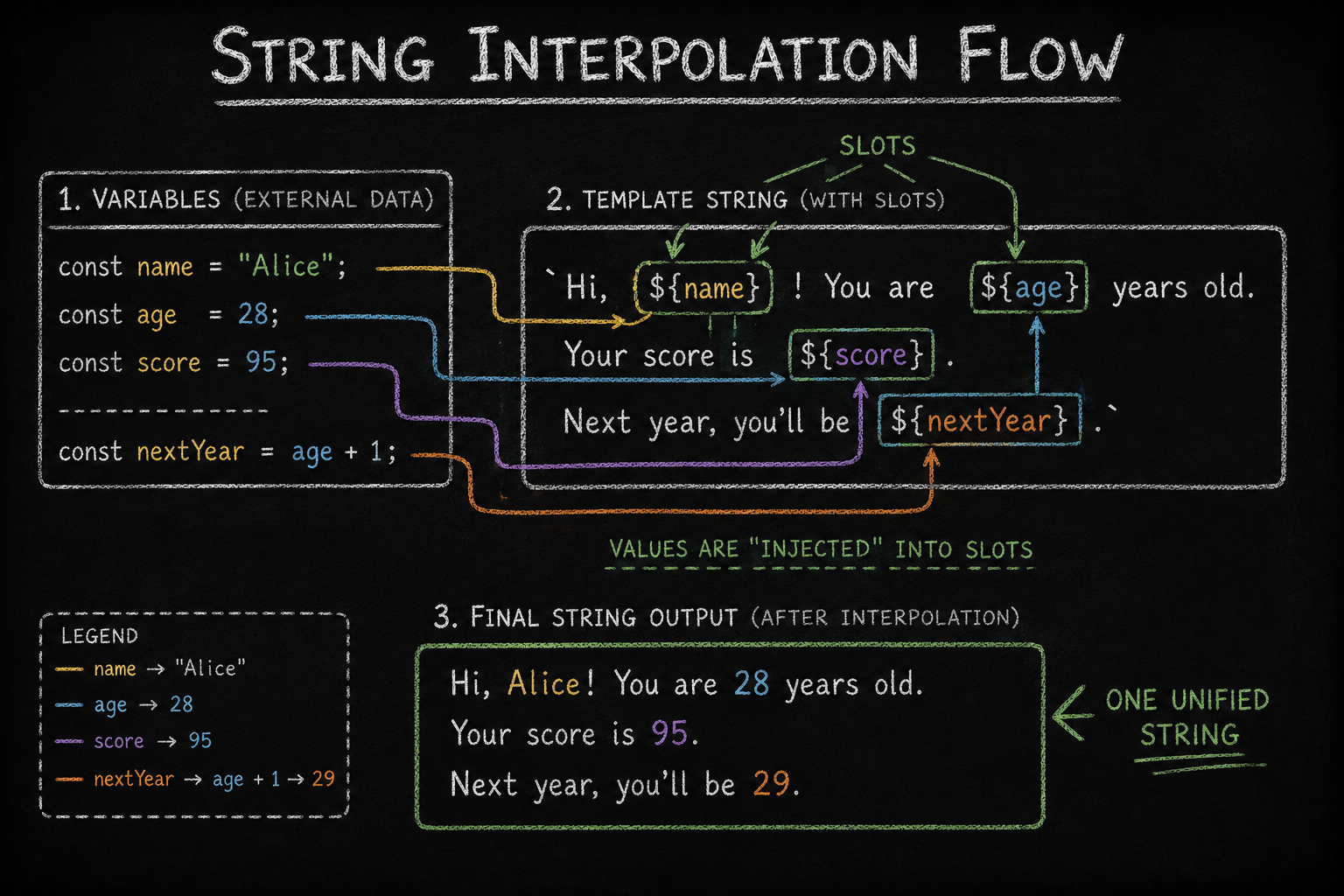
This is where the magic happens. Interpolation allows you to keep your string structure intact while "plugging in" the values you need.
What can you embed?
Variables:
${name}.Math:
${5 + 10}→15.Functions:
${greet().toUpperCase()}.Ternaries:
${isMember ? "Welcome!" : "Sign up now"}.
4. Multi-line Mastery
One of the most annoying parts of traditional strings was handling line breaks. You had to manually insert \n to get a new line. Template literals preserve all newlines and whitespace exactly as you type them.
// No more \n needed!
const emailBody = `
Hi there,
Thank you for reading my blog.
Keep coding!
`;
5. Modern Use Cases
Template literals are foundational in modern production environments. Here is where you'll see them most:
Dynamic HTML: Perfect for creating markup for frameworks or vanilla JS components.
API URLs: Building clean, dynamic endpoints:
[https://api.site.com/user/\(] (https://api.site.com/user/\)){id}.Tagged Templates: These are used in advanced libraries like styled-components to process strings with custom functions for styling or security.
The Lab: Practice Your Skills
The Challenge:
Create a user object with
nameandscore.Generate a multi-line HTML string using backticks.
Embed a ternary operator to show "Pass" if the score is above 60, otherwise "Fail".
The Solution:
const student = { name: "Ashaaf", score: 85 };

const reportCard = `
  <div>
    <h1>Student: ${student.name}</h1>
    <p>Status: ${student.score >= 60 ? "Pass" : "Fail"}</p>
  </div>
`;

console.log(reportCard);
Conclusion: A Cleaner Future
By switching to template literals, you aren't just following a trend; you are opting for better performance, fewer coercion bugs, and a massive boost in code readability. In a professional codebase, backticks are almost always the preferred choice for any string containing dynamic data.


